Plan a decision
Eight calculations each answer one question, and the business plan puts your steps in order. You enter a price and a budget, and you read a one-sentence answer.
Is it worth it?LEONIDAKIT, THE PROJECT
Leonidakit brings together what Rockstar has shown of GTA VI, says where each piece of info comes from, and gives you tools to decide: how long a purchase takes, where to go, what to check off.
The starting point
Before the release, rumors are everywhere and reliable numbers are nowhere.
A “likely” price is going around, so is a “leaked” map, and you can’t tell anymore what comes from Rockstar. Planning a session with that means counting on a price that doesn’t exist.
Here, every piece of info has a status and a dated source. What Rockstar hasn’t published stays “to be confirmed”, prices first. The calculator, the map, progress tracking and Léo then help you decide, with your own numbers.
Six tools, six questions
Each tool answers one question. Start wherever you need to.
Eight calculations each answer one question, and the business plan puts your steps in order. You enter a price and a budget, and you read a one-sentence answer.
Is it worth it?
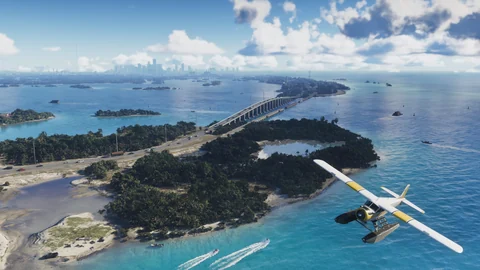
The map shows the cities, neighborhoods and shops seen in the trailers and screenshots. A spotted building isn’t a property you can buy, and the map says so.
Explore the map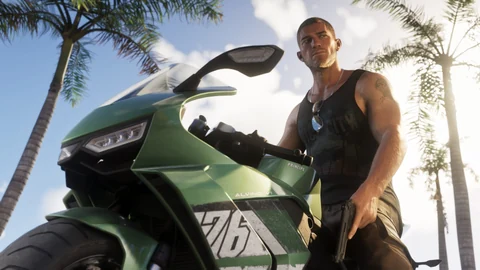
Vehicles, weapons, characters, places, businesses: each page says whether it’s named by Rockstar, seen in media or matched by the community.
Browse the pages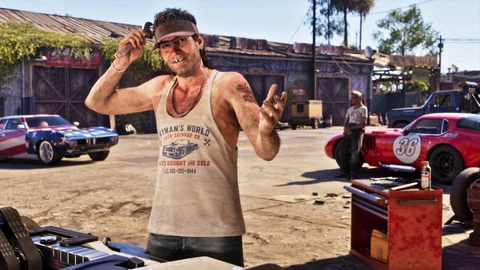
Garage, arsenal, spotted places, checked lists and calculations stay on your device. A backup follows you to another one.
See my trackers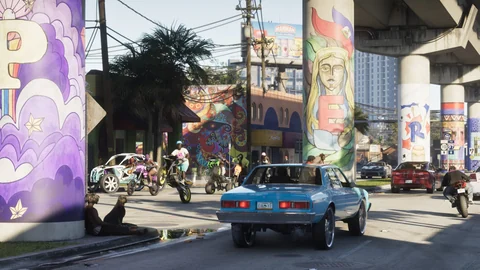
Léo answers from your browser with what the site knows: a page, a calculation, a status. In “AI” mode, he writes his answer with an artificial intelligence, for free, from the site’s pages only; you can also talk to him through the microphone. Every answer says who wrote it.
Read the Tutorial
A car seen in a trailer isn’t a car for sale. The shopping sections separate what’s announced, what comes from an edition and what’s still to be confirmed.
See what you can buyThe method
Five statuses, always shown, always linked to a source opened on a known date.
Published by Rockstar, Take-Two, Sony or Microsoft on their own channels, written the way they said it.
Example: Rideout Customs, named in the Ultimate Edition text of June 24, 2026.
Visible in a trailer, a screenshot or the Extended Look, or reported by a named outlet, including statements by a Rockstar representative; price and purchase unknown.
Example: The tropical-pattern SMG, seen in the Vintage Vice City Pack screenshot.
A match made by players, a wiki or a fan site, quoted as such.
Example: The Karin Asterope, matched to a Toyota Camry by the community.
What GTA V or GTA Online do, with their prices, never in the GTA VI column.
Example: Full armor at $5,000 in GTA V, recorded on the Bravado Gauntlet.
Nothing published by Rockstar: the line says what we expect, not what is.
Example: The price of a haircut in GTA VI.
You give the page, the problem and the source. The data is fixed in the source files, and the page is regenerated with the dated source. Without a source, the fix stays an open question.
Prepare a reportEach source shows the date it was opened at the bottom of the page that cites it. The most recent pages were opened on October 21, 2026.
Counted by script
These numbers are recalculated every time the site is regenerated, never typed by hand.
Pages, lists and the map are counted from their data; the tests run before every update goes live.
Before, during, after
The site is live before the release and will keep going after. Here’s what changes at each stage.
The site publishes what Rockstar has shown, with series benchmarks for a sense of scale. GTA VI prices are still to be confirmed.
Preloading starts, one week before release, and the boxed version hits stores: a download code, no disc, according to Rockstar Support.
Date announced by Rockstar, rechecked on October 1, 2026. If it changes, this page changes with it.
Real prices replace the benchmarks, the lists fill up, and missions are added to progress tracking. Every update is dated: a changelog per version in the site’s repository, a date on every source.
The rules
Four things that won’t change.
Made by a player, in their free time, for other players.
Nothing to pay, nothing to create: Léo’s and the calculator’s AI is free too (15 questions every 12 hours). No advertising today: if ad slots were ever added to help pay for hosting and the AI, they would be described in the Legal and privacy page before being filled. Cookie-free analytics count the pages viewed, without keeping anything that identifies you.
Not affiliated with Rockstar Games or Take-Two Interactive, nor endorsed or sponsored by them. Grand Theft Auto belongs to them.
Calculations, tracking and your conversation with Léo stay in your browser. What leaves, only if you send it: the home page alert and the Contact form (through Brevo), and your questions to Léo or to the calculator bar (to the site’s AI, without being kept by the site).
Read the Legal and privacy pageThe project
One player, one site
Leonidakit is made by a single player, in their free time: someone who wanted reliable numbers before the release and ended up building the site to share them.
No team, no company, no sponsor: the sources, statuses and code are what count. The publisher is identified on the Legal page, within the rules set for a personal site.
For a question, a fix or an idea: the Contact page.
Go to the Contact pageOpenHelp the site grow
Three ways to help, all through the Contact page.
The list is empty for now: it will welcome the sites that cover GTA VI with the same care.
Questions
Five short questions, with answers you can check on the site.