Progress tracker, on this device
My arsenal
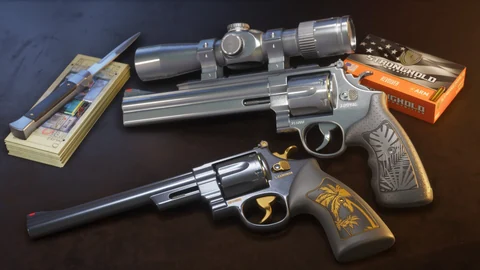
Your weapons, gear and ammo in one place. For ammo, you can note your stock: having unlocked an ammo type and knowing how much you have left aren’t the same thing.
0in your arsenal out of 48
including 0 series benchmarks (GTA V, GTA Online), not seen in GTA VI yet
0wishes
48not in your arsenal yet


Your arsenal on this device
Nothing goes to a server: this tracker is read in this browser. To keep it or move it, export your progress from the Progress page. Back up my progress
Reading your tracker on this device…
Leftover entries
These IDs were checked on this device, but they’re no longer in the list (page renamed or removed). They stay saved and don’t count. You can remove them.
How this tracker works
Three families
Weapons (27 weapons), gear (16 gear items) and ammo types (5 ammo types to check off). The “Family” filter shows only one of them.
Obtained, then in stock
A checked ammo type stays obtained. Stock is noted separately: you enter how much you have left, then “I used one” or “I bought another one” updates it. We never guess a quantity.
Where to add it
On each weapon page, “Add to my arsenal”. In the Armory, “I have it” on each gear item and each ammo type. Here, in “Not in my arsenal yet”.
- Pistols 7
- Shotguns 2
- Submachine guns 4
- Assault rifles 2
- Sniper rifles 2
- Machine guns 1
- Melee 5
- Throwables 2
- Special weapons 2
- Gear 16
- Ammo 5
Frequently asked questions
Why does my ammo say “stock not set”?
You checked this ammo type before stock tracking arrived, or you haven’t noted it yet. The site never makes up a quantity: enter it when you know it. Until then, the type still counts as obtained.
Is my arsenal saved online?
No. It stays in this browser. The export on the Progress page takes it along with the rest of your progress, stock included.
Does a wish count toward my progress?
No. A wish is a weapon you want: it doesn’t check anything. When you get it, “I have it” puts it in your arsenal and removes it from your wishlist.